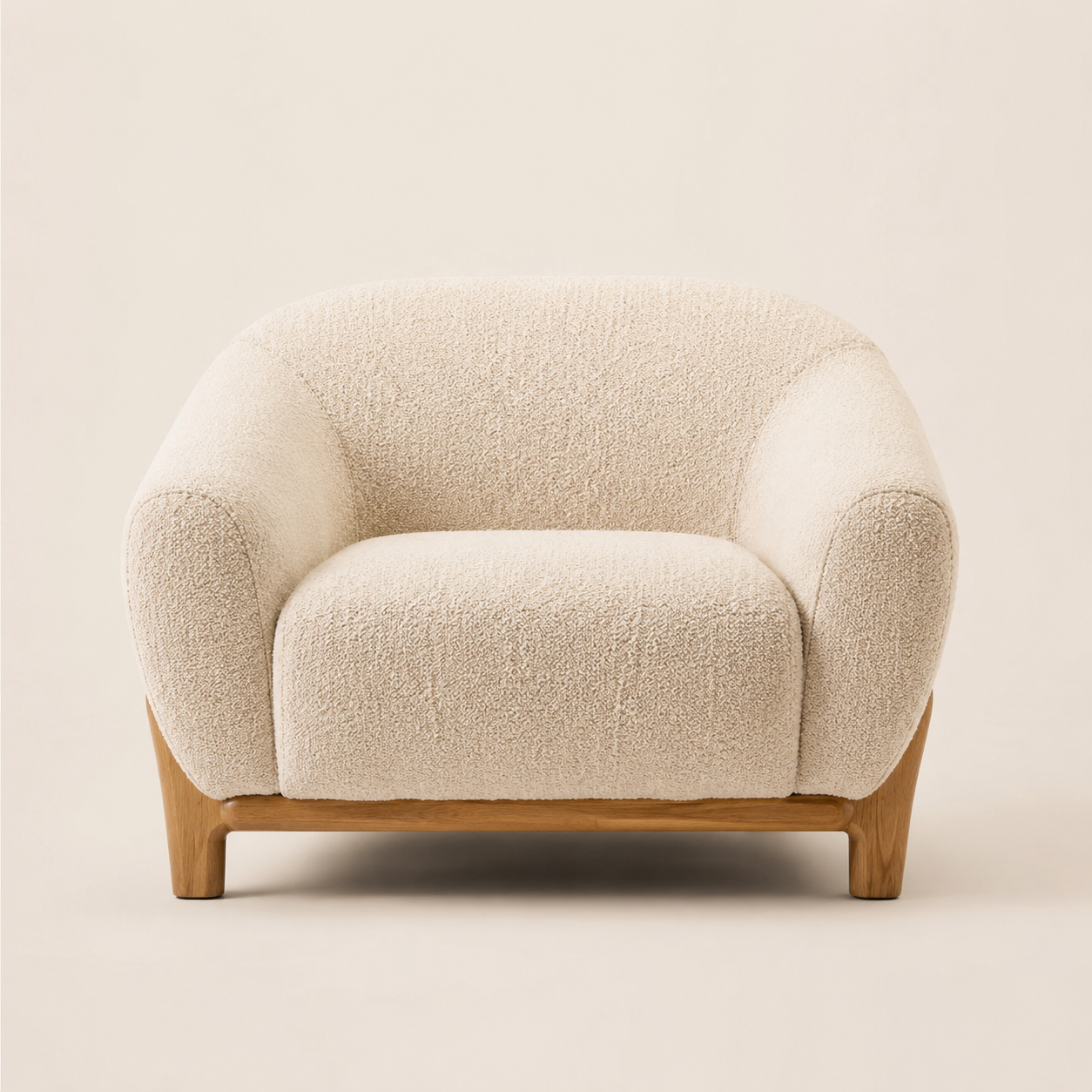
How to Make Furniture Product Photos Look Professional
2026-06-14
Why furniture is one of the hardest categories to photograph
A t-shirt or a phone case looks roughly the same no matter where you put it. Furniture doesn't. A sofa, an armchair, or a dining table needs to communicate scale, proportion, and how it fits into a room — none of which comes across in a photo of the piece sitting alone against a bare wall.
On top of that, furniture is large, often heavy, and hard to move. Most small furniture sellers end up photographing pieces in a warehouse, a garage, or wherever there's space — not exactly a setting that inspires confidence in a $400 armchair.
The lifestyle staging problem
The traditional fix is a styled photoshoot: rent a room or studio set, bring in props (rugs, plants, lamps, artwork), arrange the furniture, and shoot from multiple angles with proper lighting. For a single piece, this can easily cost several hundred dollars and take a full day — and you'd need to repeat it for every product or every color/fabric variant.
That's why so many small furniture stores either skip lifestyle photos entirely, or use the same one or two staged rooms for every product — which actually makes the catalog look repetitive and less trustworthy.
What furniture buyers actually look for in photos
Before buying furniture online, shoppers typically want to see: the piece on its own from multiple angles (to judge shape and proportions), a close-up of the material and texture (fabric, wood grain, leather finish), and at least one shot of the piece in a room setting (to imagine it in their own space).
Missing any one of these increases hesitation — and for furniture, hesitation often means an abandoned cart rather than a question in chat.
Common mistakes in furniture product photos
- Cluttered or distracting backgrounds that make it hard to focus on the piece.
- Inconsistent lighting and color tone across different products in the catalog.
- No lifestyle/room context — only isolated product shots.
- Photos taken at awkward angles that distort proportions.
How AI lifestyle scenes solve this
Instead of renting a room and buying props, you photograph the furniture piece once — in decent light, against a relatively plain background — and an AI tool generates the rest: a clean studio version, one or more lifestyle scenes showing the piece in a styled room that matches its design (modern, classic, minimalist, etc.), and detail shots highlighting material and texture.
Because the scenes are generated per product, you can give a modern accent chair a bright minimalist living room and a classic wingback chair a warmer, traditional setting — without booking two different studios.
A quick checklist before you upload a furniture photo
- Clear the area around the piece — remove other furniture, boxes, or clutter from the frame.
- Use bright, even lighting (daylight near a window works well).
- Photograph the piece straight-on, showing its full silhouette.
- Make sure the material/texture is visible and in focus.
Getting started
Rankavio is built around exactly this workflow for Shopify furniture and home decor sellers — categories like armchairs, sofa sets, dining tables, chairs, bed frames, and office furniture are supported out of the box. Upload one photo per product, generate a full studio + lifestyle + detail set, and add the images straight to your product gallery. There's a 7-day free trial, so you can test it on a few pieces from your catalog first.