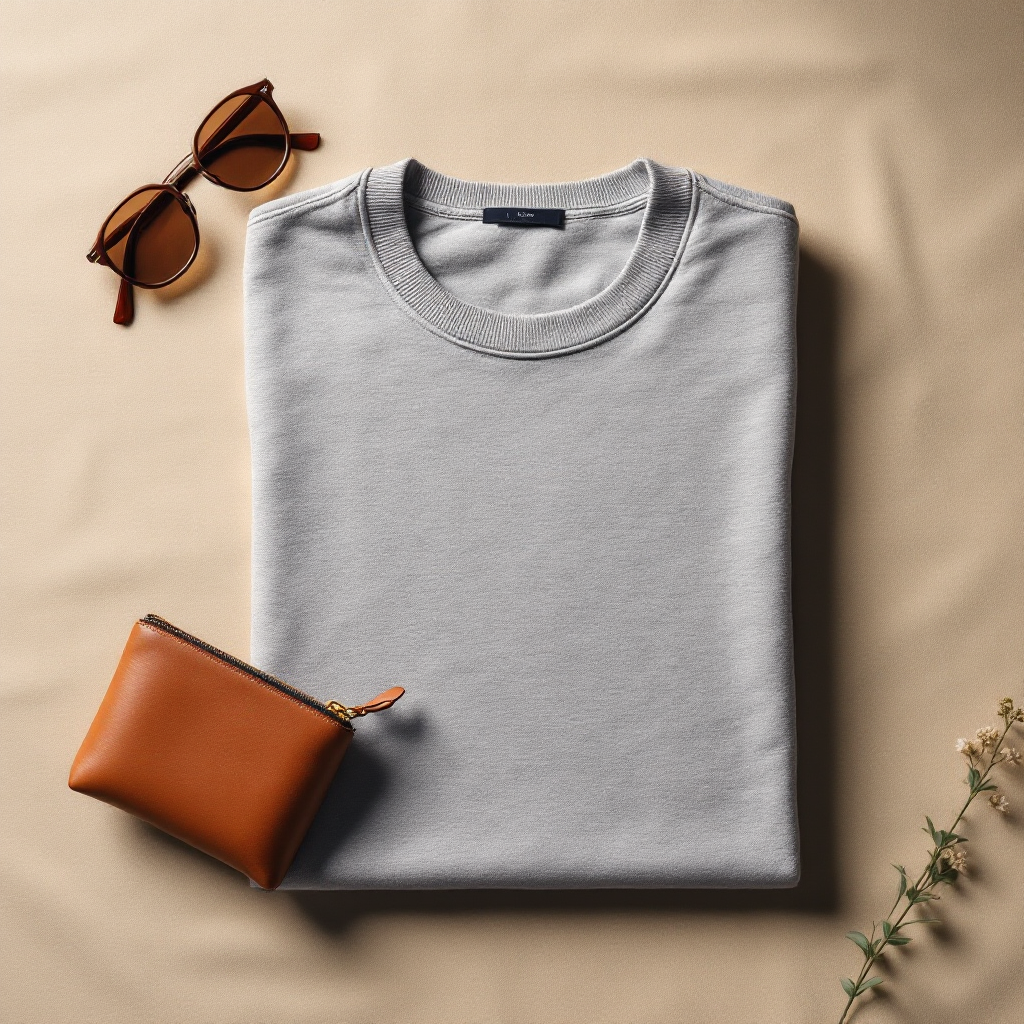
AI Product Photography for Shopify: Complete Guide
2026-06-14
Why product photos decide whether a Shopify visitor buys
Online shoppers can't touch your product, so the photo is doing all the work your senses would normally do in a store. Ecommerce conversion research consistently shows that product image quality is one of the top factors influencing purchase decisions — right alongside price and reviews.
For Shopify merchants, this creates a real gap. Big brands have photo studios, stylists, and retouching teams. Small and growing stores usually have a smartphone and a corner of a room with decent light. The product might be great, but the photo doesn't say so.
The traditional product photography problem
A professional product photography session typically costs $50-200 per product once you factor in the photographer's time, studio rental, props, and retouching. For a store with 50 SKUs across multiple variants, that adds up to thousands of dollars and weeks of turnaround — before you've sold a single unit.
Lifestyle photos (showing the product in use, in a styled room or scene) cost even more, because they require sets, props, and sometimes models. Most small Shopify stores skip lifestyle photography entirely and only have plain product shots — even though lifestyle images are what actually help customers picture the product in their own life.
What AI product photography actually does
AI image generation models can take a single photo of your product and generate new images around it — placing the same product in a clean studio setup, a styled lifestyle scene, or a close-up detail shot, while keeping the product itself accurate.
This isn't a generic stock photo with your logo pasted on. The AI analyzes your specific product — its shape, color, material, and category — and builds new scenes designed for that type of product. A ceramic mug gets a different treatment than a leather bag or an armchair.
What makes a good source photo
You don't need professional equipment, but a few basics make a big difference in the output quality:
- Shoot in natural daylight or bright, even indoor light — avoid harsh shadows.
- Use a plain, uncluttered background (a wall, table, or floor works fine).
- Make sure the whole product is in frame and in focus.
- Photograph the product straight-on or at a natural angle — avoid extreme close-ups for the main shot.
If your source photo follows these basics, AI tools can generate a full set of studio, lifestyle, and detail images from it — often in under a minute.
Studio shots, lifestyle scenes, and detail shots — when to use each
Studio shots (clean, neutral background) work best as your main product gallery image — they load fast, look consistent across your catalog, and are what most marketplaces and ad platforms expect.
Lifestyle scenes (the product in a real-world setting) help customers picture how the product fits into their life — these perform especially well on product pages, social media, and ads.
Detail shots (close-ups on texture, material, or craftsmanship) build trust by showing quality up close — useful for jewelry, bags, fabrics, and anything where material matters.
Getting started without redoing your whole catalog
You don't need to replace every photo at once. A practical approach is to start with your best-selling products or the ones with the weakest current photos, generate a full image set for each, and add them to your Shopify product gallery.
Apps like Rankavio are built specifically for this: upload one product photo, pick a category (furniture, jewelry, fashion, home textiles, and more), and get a set of studio, lifestyle, and detail images generated automatically — plus SEO suggestions for alt text and descriptions. It's available on the Shopify App Store with a 7-day free trial, so you can test it on a few products before committing.